Unit 02 | Lesson
Learning iMovie
Learning iMovie by rebuilding a cut that already works.
HORIZONTAL ONLY
Every clip. Turn the phone or camera sideways, so the frame is wider than it is tall. Vertical video scores 0 for format.
1
commercial: Opple Juice
iMovie
is what you learn here
Six moves, every time
Do them in this order and the edit stays organized. Skip one and you will be hunting for clips later.
Assignment 03
Import everything first
Video, photos and music, before you cut a single frame.
All eleven files go into one project.
Assignment 03
Review, then mark IN and OUT
Most of every clip is unusable.
Watch every clip once, start to finish. Then find the few seconds that are useful. The IN point is where the useful part starts, the OUT point is where it ends. Everything outside them never reaches the timeline.

One clip, one select. If a clip has nothing usable in it, it does not go on the timeline at all.
Technique rule
Untrimmed clips leave dead seconds of hands reaching and people walking off. Trim to the action.
Assignment 03
Assemble the sequence
In the order the story happens.
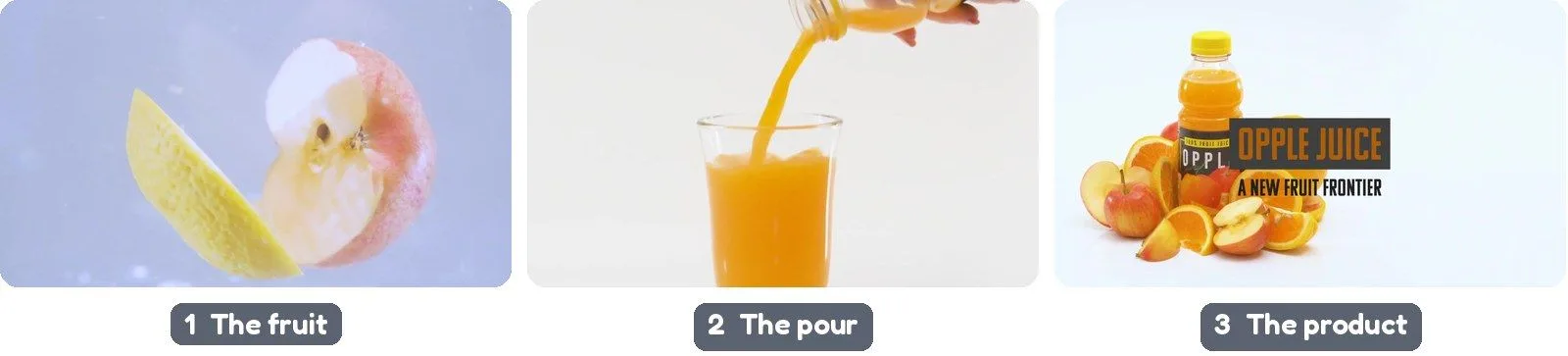
Drop your selects on the timeline step by step. The spot should read clearly even with the sound off. For the Opple Juice spot: fruit, then the pour, then the product.
Assignment 03
Cut to the music
Find the beat first, then place your cuts on it.
Add your track, then nudge each cut so the big moments land on a beat. The edit will feel intentional instead of random.
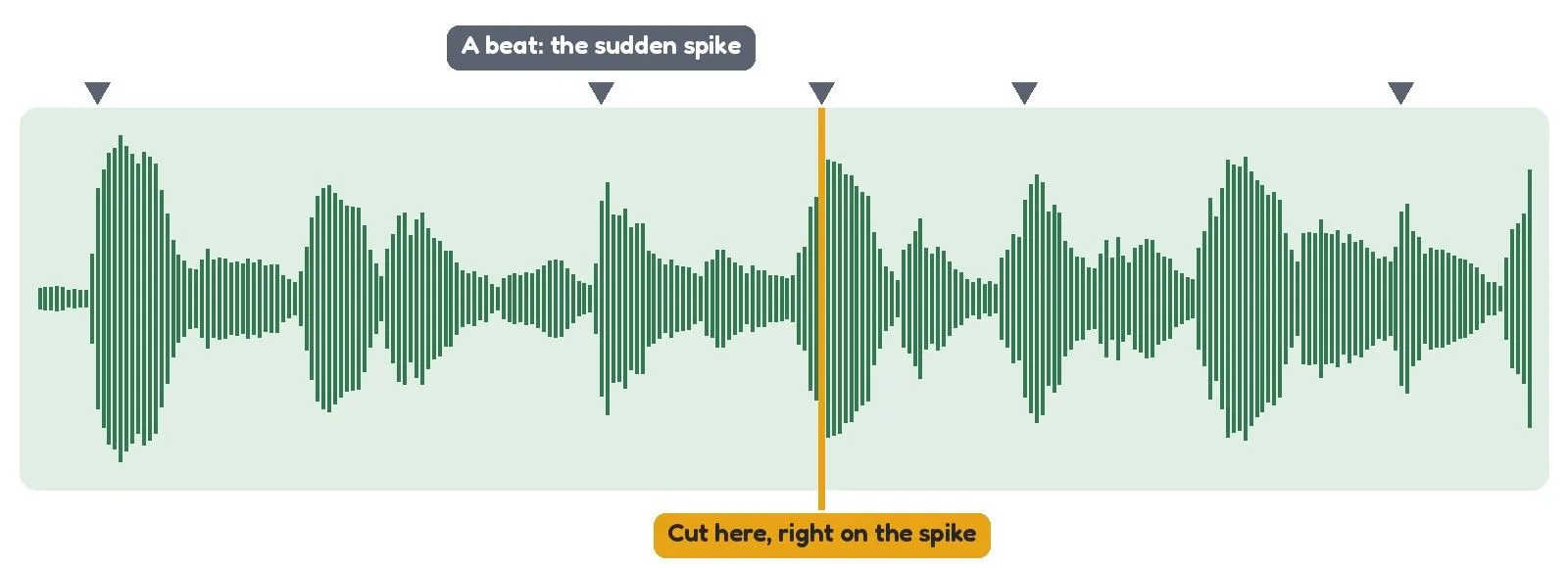
A beat is the sudden spike in the waveform. Zoom into the timeline until you can see the spikes, then put your cut right on one.
Technique rule
Close to the beat is not on the beat. Zoom into the timeline and line the cut up with the beat.
Slow motion
Use it on the one moment that matters. Use it everywhere and nothing feels important.
Assignment 03
Voice-over and music together
For the Opple Juice spot.
The voice sits on top and the picture follows it: cut so the shot changes when the voice changes. Turn the music down until every word is clear.
Must do
Play it once with your eyes closed. If you miss a word, the music is too loud.
Assignment 03
Match every shot to the same look
Color correction makes a sequence feel like one film.
Ungraded
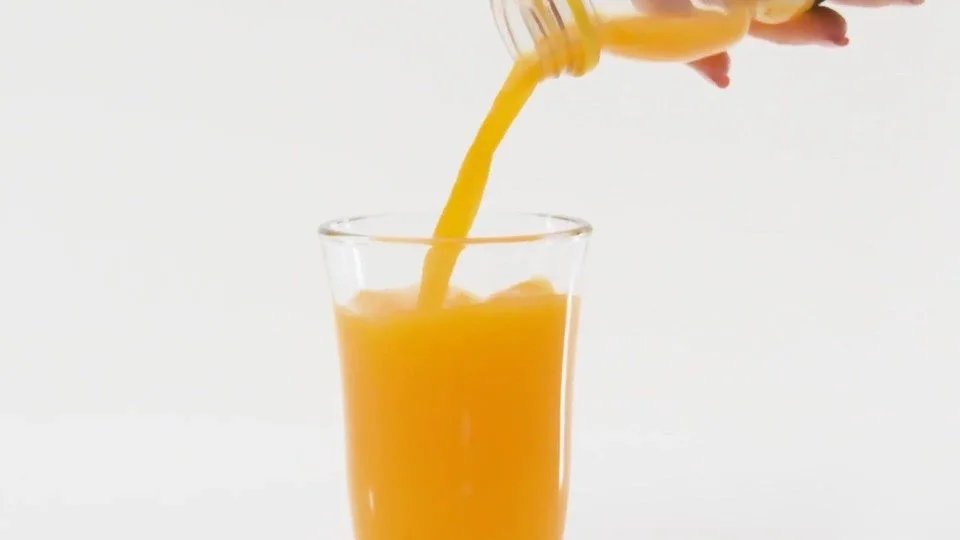
Matched
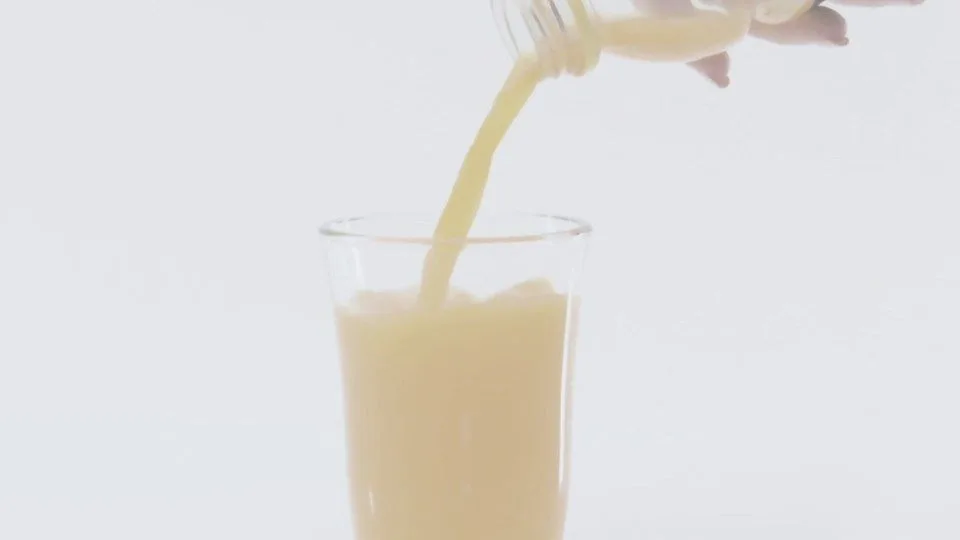
Same footage. The right-hand version has been color-matched.
Assignment 03
End title, show me, export
Last frame, one message.
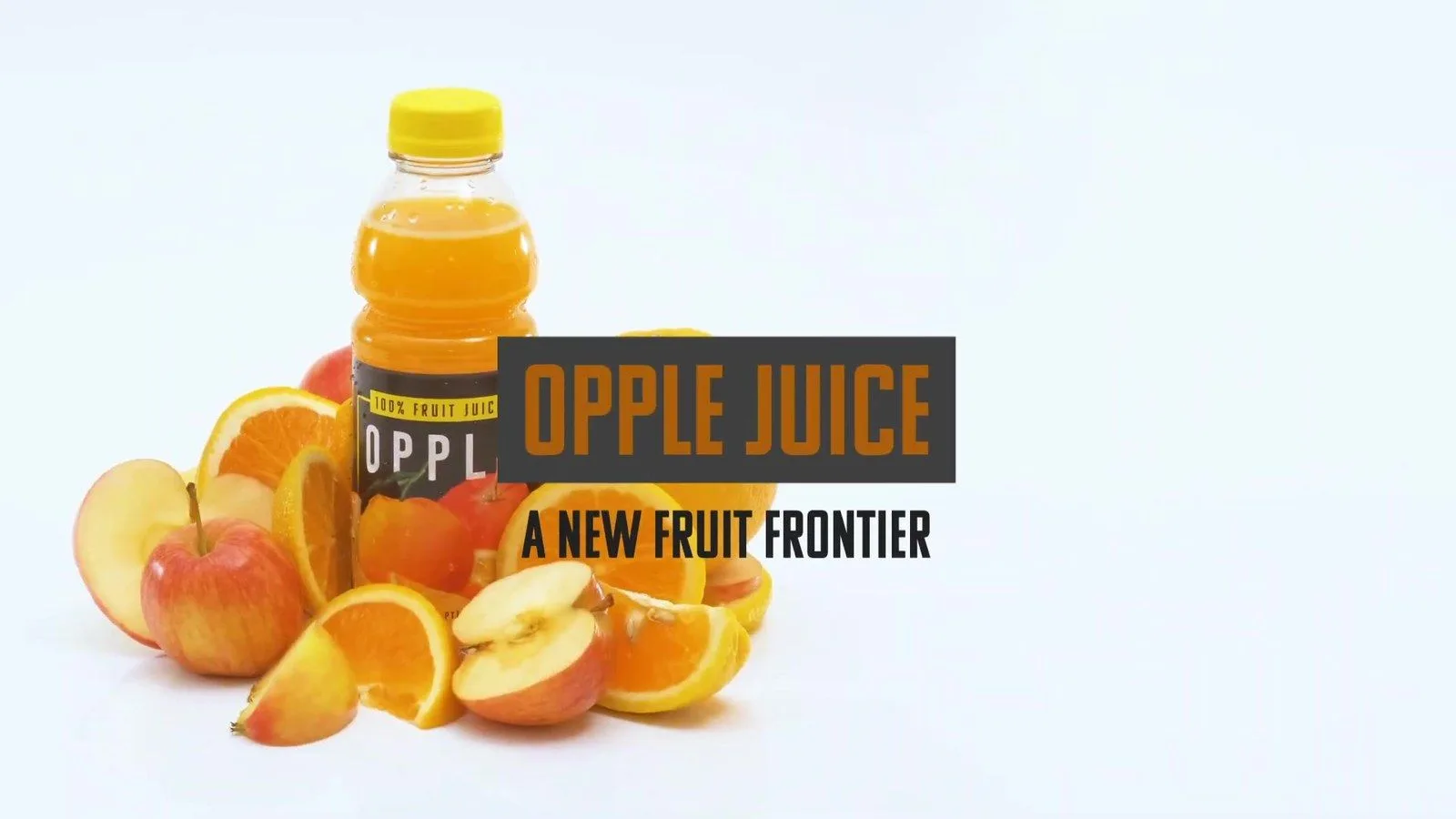
A product name and a line. Hold it long enough to read twice. Show me the cut, then export at 1080p and hand in the file.
✓ Watched once, all the way through, with sound
✓ Fixed anything that made you look away
✓ Shown to me before export
✓ Exported at 1080p and handed in
Before you leave today
Import all eleven Opple Juice files into a new iMovie project and watch every clip once.