Assignment 03 | Video Basics
The Opple Juice Commercial
A fifteen second spot for a juice that is half orange, half apple.
START HEREOpen your one-sheetPrint it or keep it open while you work.Open ↗HORIZONTAL ONLY
Every clip. Turn the phone or camera sideways, so the frame is wider than it is tall. Vertical video scores 0 for format.
15 s
exactly
9
clips
1
voice-over, 1 music track
1080p
export
The goal
The shots are mine and they are fixed. The cut is yours.
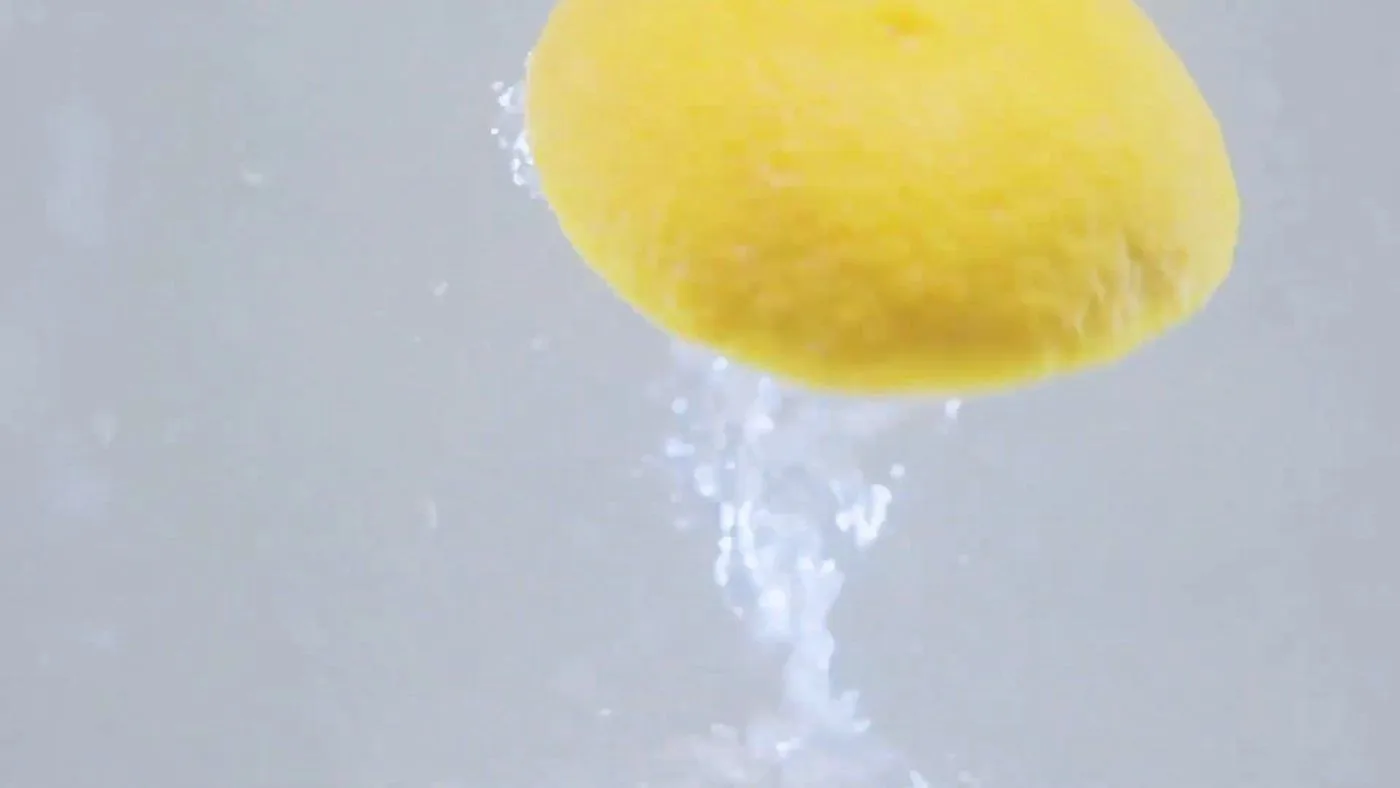
The fruit.
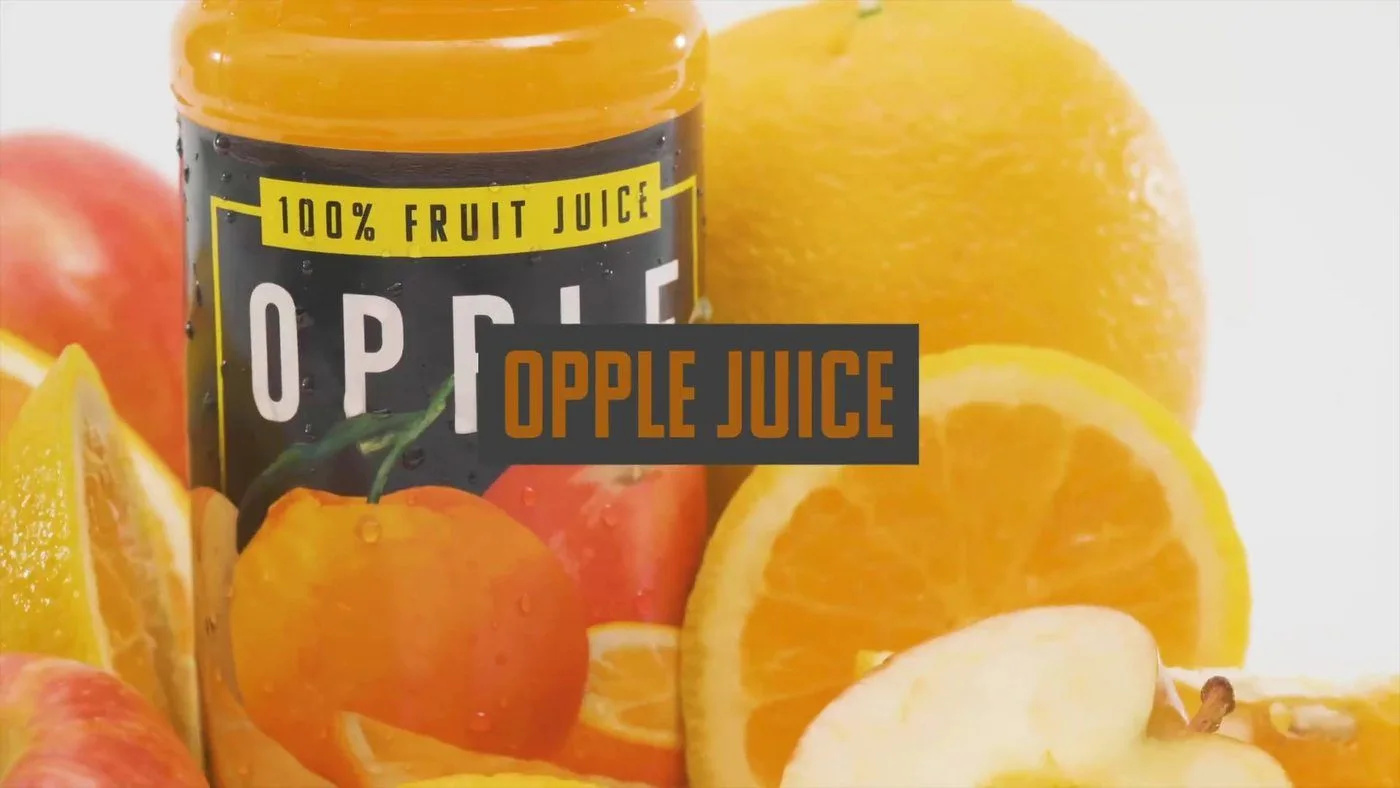
The product.
⬇ Download the Opple Juice footage
Nine clips, one voice-over, one music track.
Watch this first. It walks through the cut in iMovie.
Step by step
Follow these in order. The red lines are where most students lose points.
01
Import everything into iMovie
Video, voice-over and music together.
• Download the folder and bring all eleven files into one iMovie project before you cut anything.
02
Mark IN and OUT on every clip
Nine clips, nine selects.
• Find the strongest few seconds in each clip.
03
Build the spot
Fruit, then the pour, then the product.
• Fifteen seconds is the target. Not one of them should be dead.
Watch out: Most first cuts run long. Trim until it is exactly 15 seconds.
04
Lay the voice-over on top
The picture follows the voice.
• Cut the picture so it changes when the voice changes.
Watch out: A shot that drifts past its line feels slow. Cut on the words.
05
Add the music underneath
Low enough to hear every word.
• Turn the music down until every word of the voice-over is clear.
Watch out: Play it once with your eyes closed. If you miss a word, the music is too loud.
06
Add the end title
Product name and one line.
• Hold it long enough to read twice.
07
Show me, then export
1080p, then hand it in.
• Get the cut approved, export at 1080p, submit the file.
Check before you submit